ColorPulse

What is ColorPulse?
ColorPulse is a fast-paced, memory-based puzzle game where players must memorize and repeat sequences of colors. The sequences get progressively longer as the player succeeds.
Players must tap on colored buttons in the exact order shown to continue progressing. The game provides a fun challenge for those who enjoy memory tests and quick reflexes.
With its simple mechanics and soothing design, ColorPulse is perfect for quick gaming sessions or longer periods of relaxing mind exercise.
Game Type
How To Play
ColorPulse is easy to learn but challenging to master. Follow these simple steps to get started:
Watch the Sequence
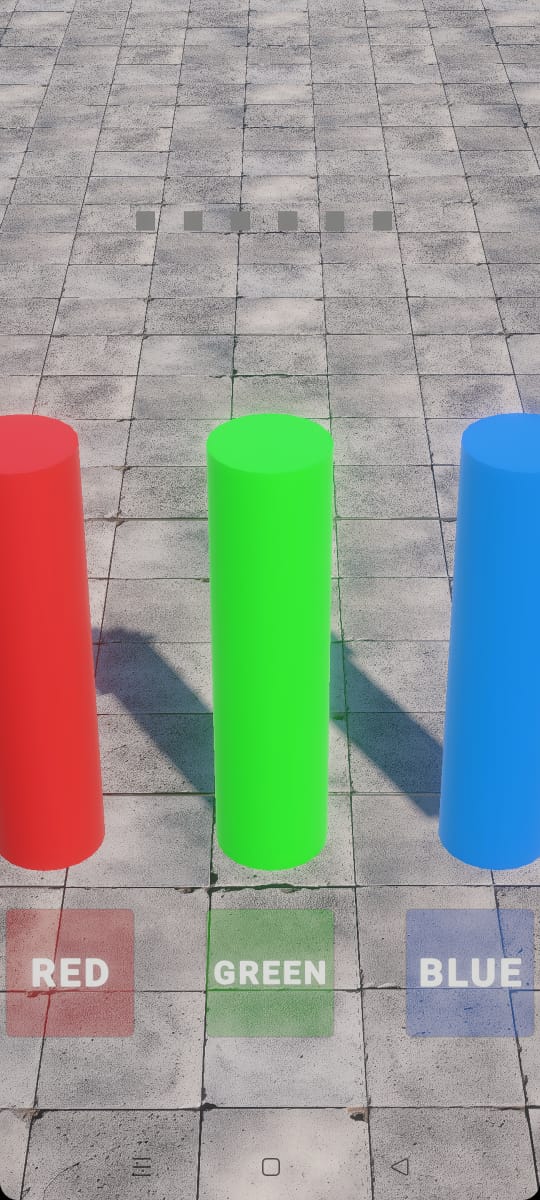
At the start of each round, the game will show a sequence of colors (Red, Green, and Blue) in a specific order.
Memorize the Pattern
Pay attention to which colors light up and in what order. Take your time to memorize the sequence.
Repeat the Sequence
After the sequence is shown, tap the color buttons (Red, Green, Blue) in the exact same order that was displayed.
Level Up
With each correct sequence repetition, the length of the sequence increases by one color, making the game progressively more challenging.
Game Controls
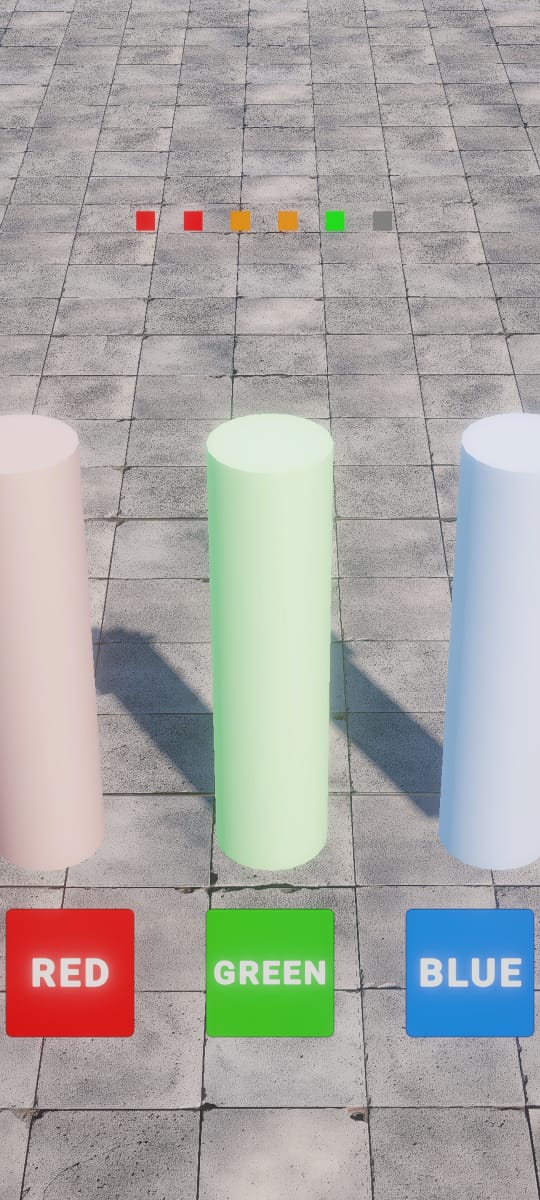
Red Button
Tap to select red
Green Button
Tap to select green
Blue Button
Tap to select blue
Game Demo
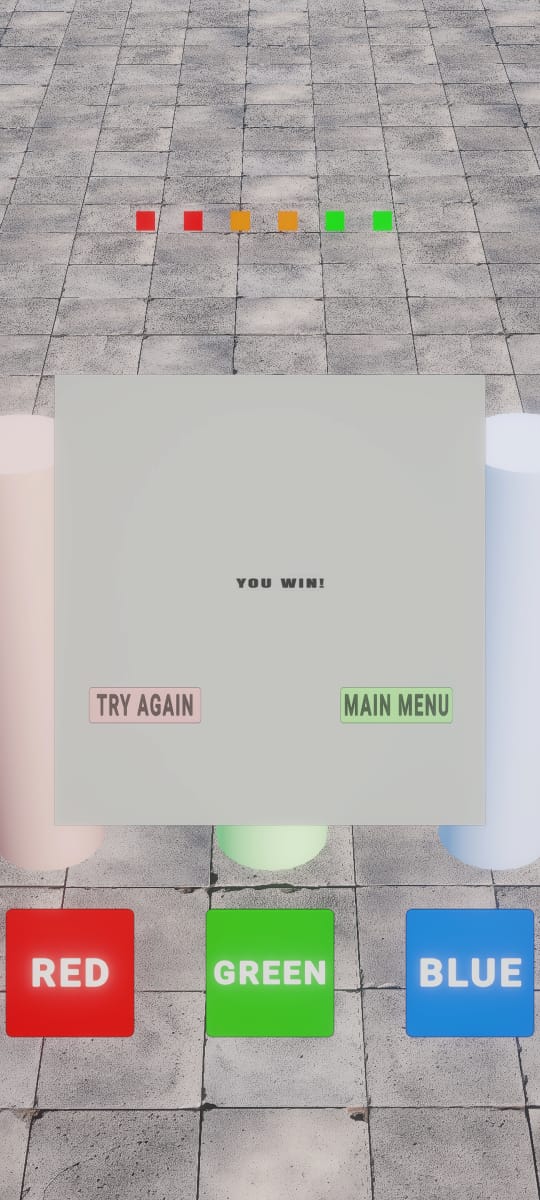
Watch ColorPulse in action and see how the memory game works
Download ColorPulse
Get ColorPulse on your Android device and start challenging your memory today!
Download Instructions
- 1Click the download button to get the APK file
- 2Open the file from your device's "Downloads" folder
- 3Allow installation from unknown sources in your device settings
- 4Follow the on-screen prompts to install the game
- 5Launch ColorPulse from your apps menu and enjoy!
System Requirements
Android Device
Android 5.0 (Lollipop) or higher
Memory
Minimum 512 MB of RAM
Storage
150 MB of free storage space
Important Note
For security reasons, you may need to enable "Install from unknown sources" in your device settings. This can typically be found in Settings > Security.
Game Features
ColorPulse combines simplicity with engaging gameplay to create a memorable experience.
Simple, Addictive Gameplay
Easy-to-learn but hard to master. ColorPulse will challenge your memory and reaction time with its engaging sequence-based gameplay.
Progressive Difficulty
The sequence of colors increases in length as you advance through the game, providing a continuously evolving challenge.
Colorful UI
A vibrant and visually appealing interface featuring Red, Green, and Blue cylinders that light up in sequence.
Instant Feedback
Players are immediately told whether they guessed correctly or incorrectly, with visual and audio indicators.
Sound Effects
Enjoy satisfying sound effects that provide feedback for each action you take in the game.
Relaxing Experience
No points, no stress - just a calm exercise for your mind to help you relax and improve memory.
Behind the Scenes
Take a peek at how ColorPulse was developed using Unity 3D and C#

Development Tools
- 1Game Engine: Unity 3D
- 2Programming Language: C#
- 3Graphics: Blender for 3D models and Photoshop for textures
- 4Audio: Custom sound effects created with audio editing tools
Share Your Experience
Played ColorPulse? Let us know what you think! Your feedback helps improve the game.

Rashmina Fernando
Crafting immersive digital experiences through game development and innovative web solutions. Currently working as an intern at Knight Owl while pursuing excellence in Computer Science at Westminster.